Pie Chart Widget
The Pie Chart Widget displays a standard pie chart to show the proportional size of data values.
Inputs
Accepts data as vertices and edges or a list of objects that contain at least one numeric attribute. There must be one attribute that can comprise the category labels and one attribute that comprises the values.
Widget window
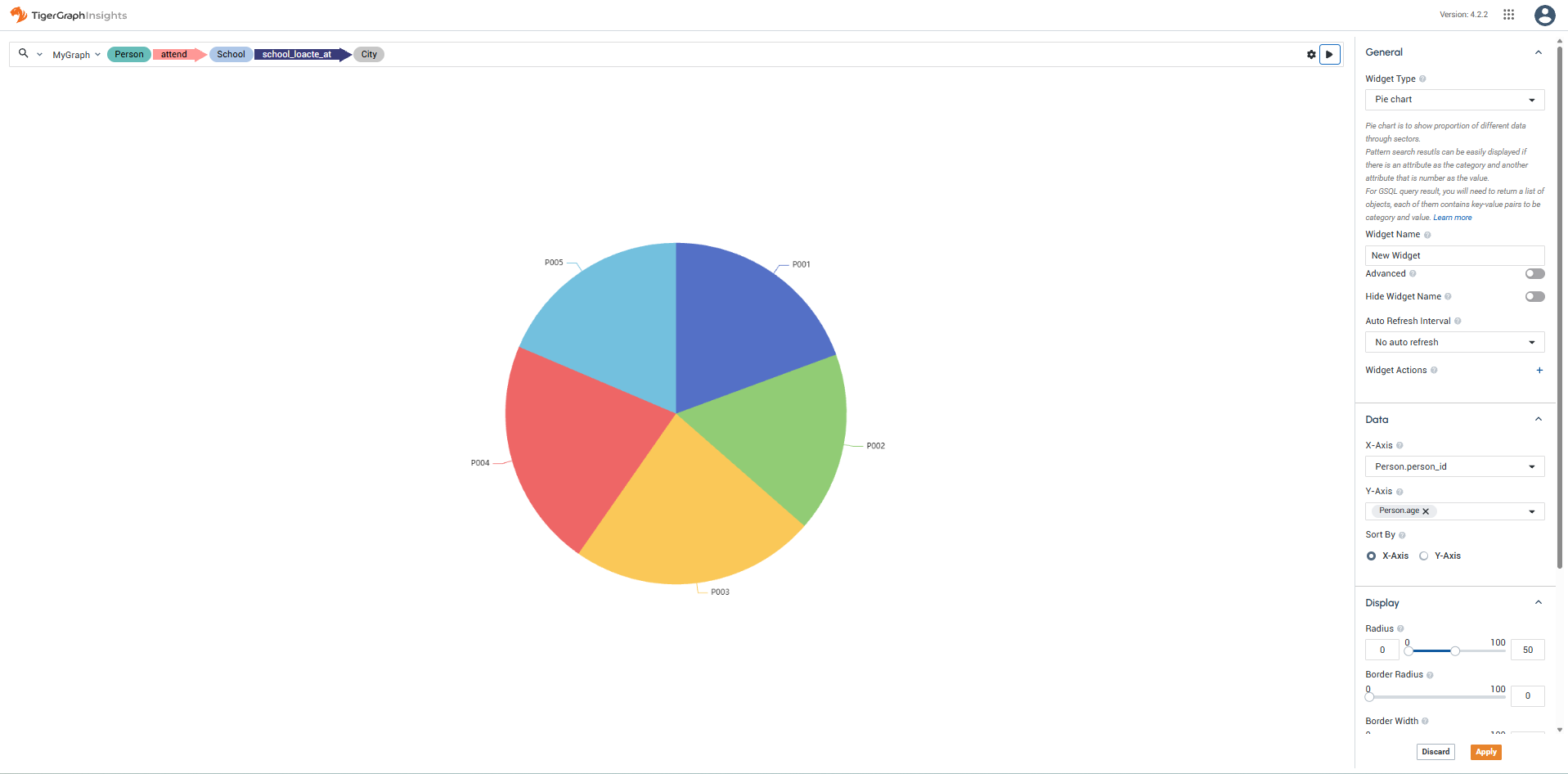
Visual customization
Use the Display section to configure the chart appearance:
-
Adjust Radius to control the size of the pie chart.
-
Adjust Border Radius to round slice corners.
-
Adjust Border Width to control slice borders.
You can customize which attributes are mapped to the Category and Value sections of the pie slices. Values must be numeric.
Toggle Rose Chart to display the pie chart as a Nightingale chart (polar rose diagram).
You can also toggle Show Legend and Show Label to show or hide the color key and slice labels.